
Step 1
Download the Brazino777 App from the Downloads Page on the Official Website
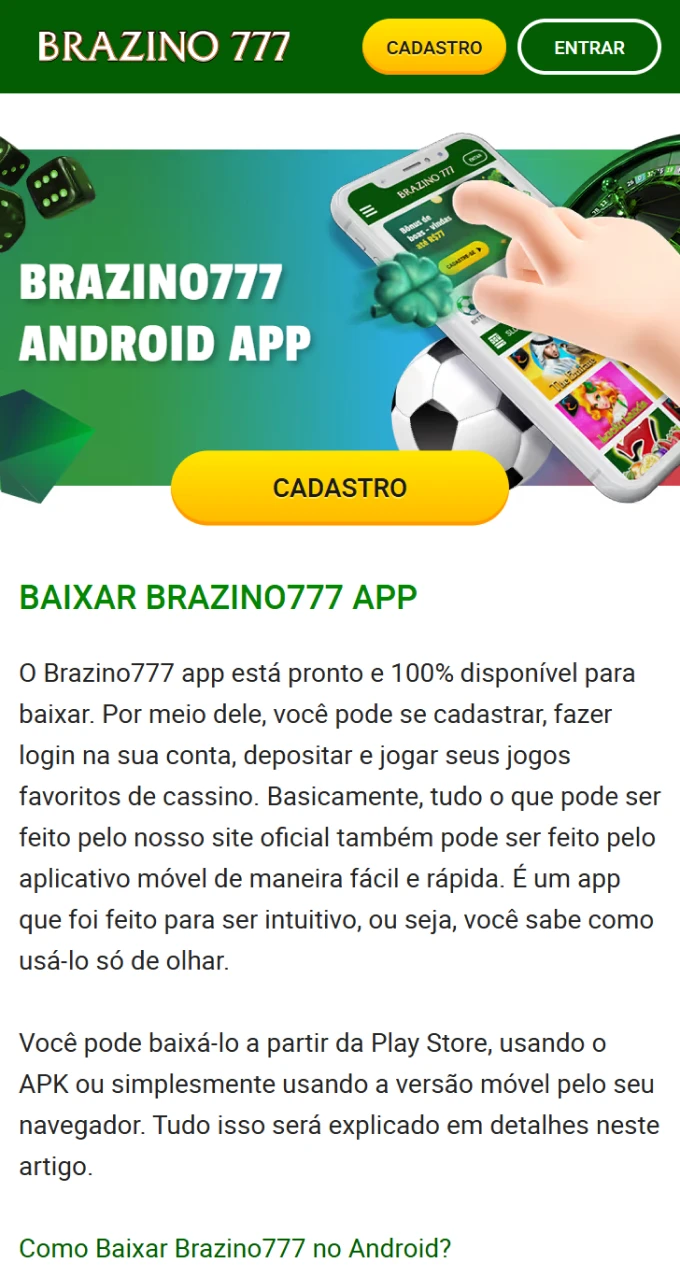
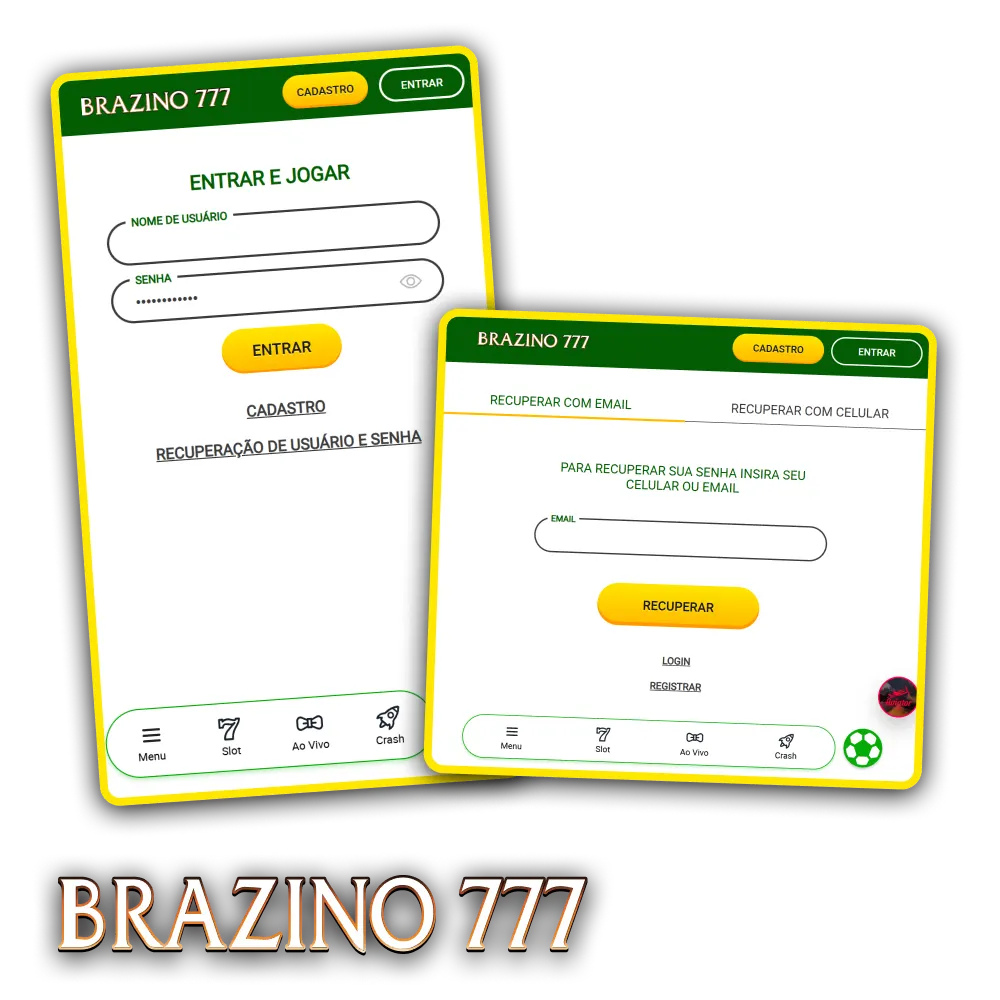
Access your Brazino777 account anytime using your registered email and password. The login process is available both on the Brazino777 website and the mobile app, ensuring speed and convenience. After logging in, you have immediate access to sports betting, casino games, active bonuses, and all transaction options, with data protection and two-step authentication available for added security.
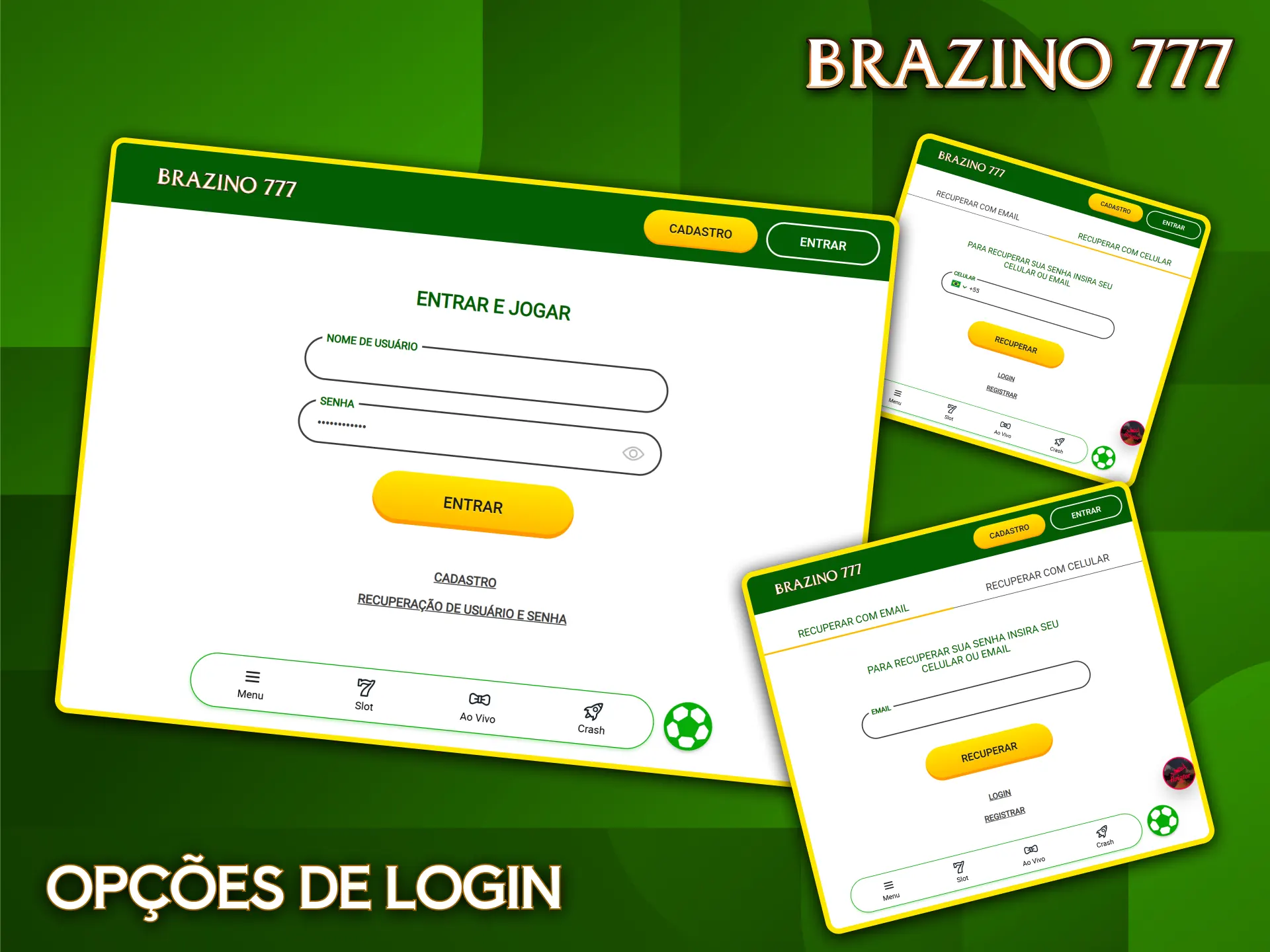
You can access your account using different methods that facilitate quick entry to the Brazino777 platform. Available methods include: email and password login, social login via connected networks, and access through the mobile app.
The email login method is the most traditional and offers complete control over your access credentials. You use the email address registered during registration and the password you created, ensuring secure access to your profile. Here’s how:
The Brazino777 app offers faster access to your account, allowing you to log in using biometrics or facial recognition after initial setup. The app experience is optimized for mobile devices, loading faster than the web version.
Step 1
Step 2
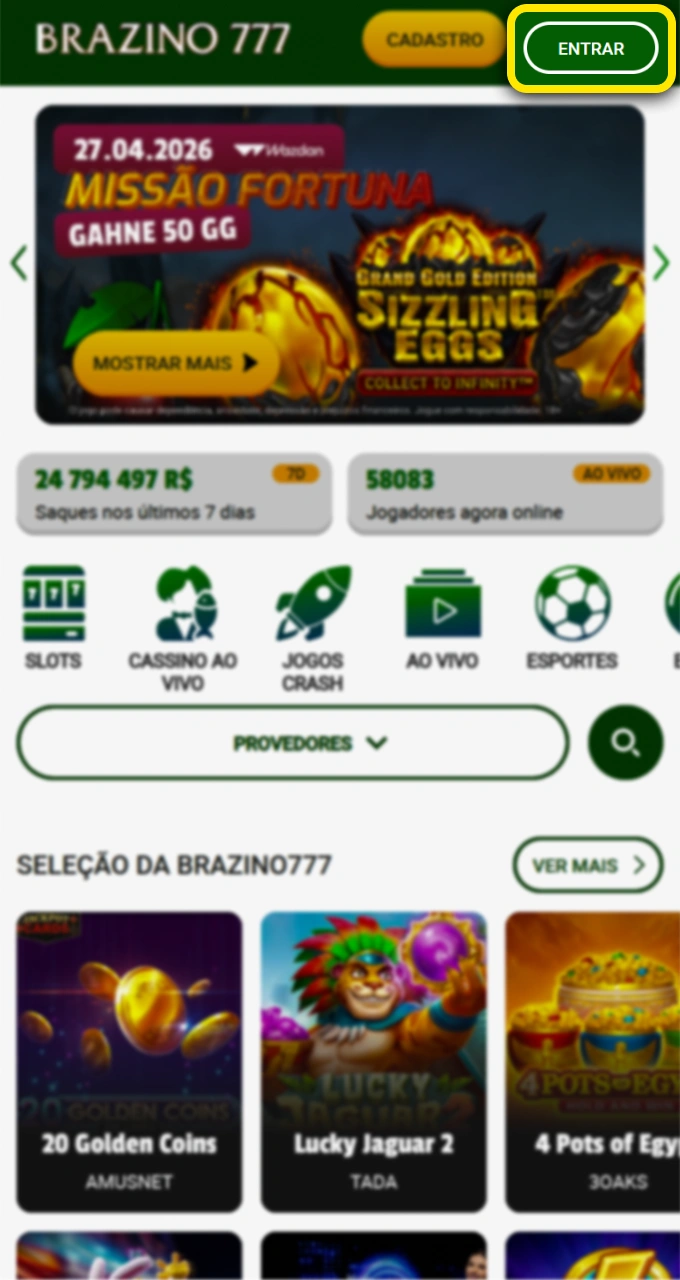
Step 3
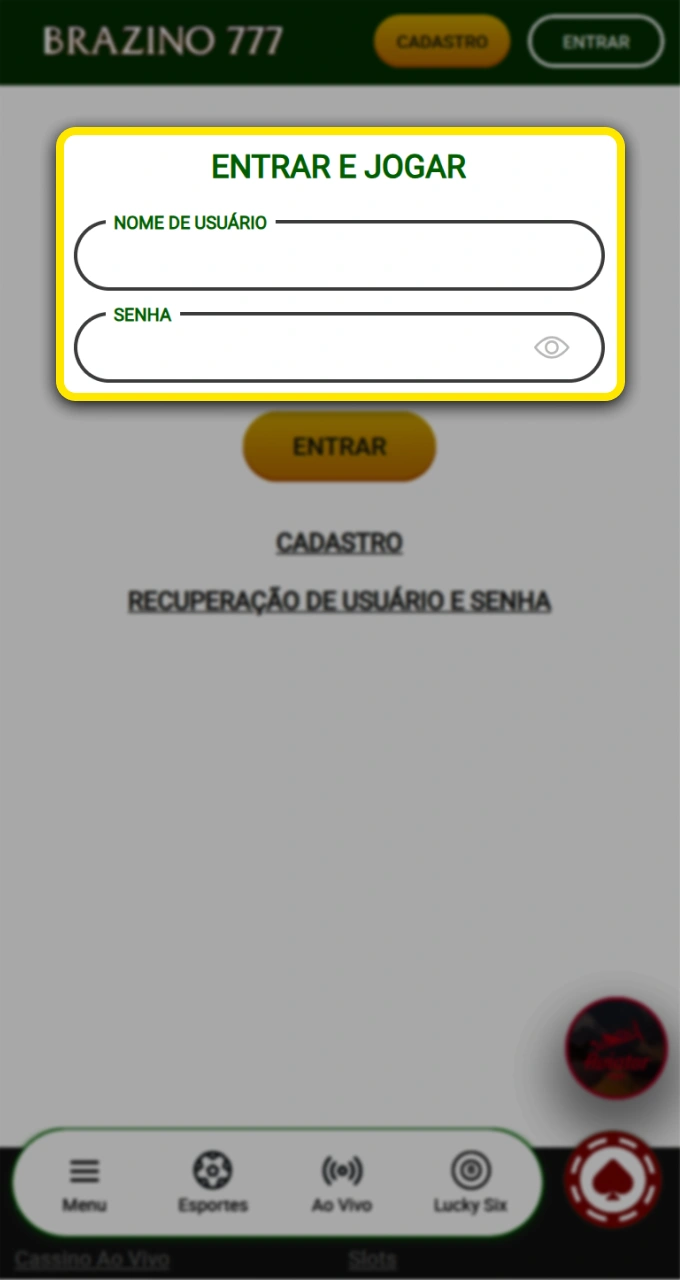
Step 4
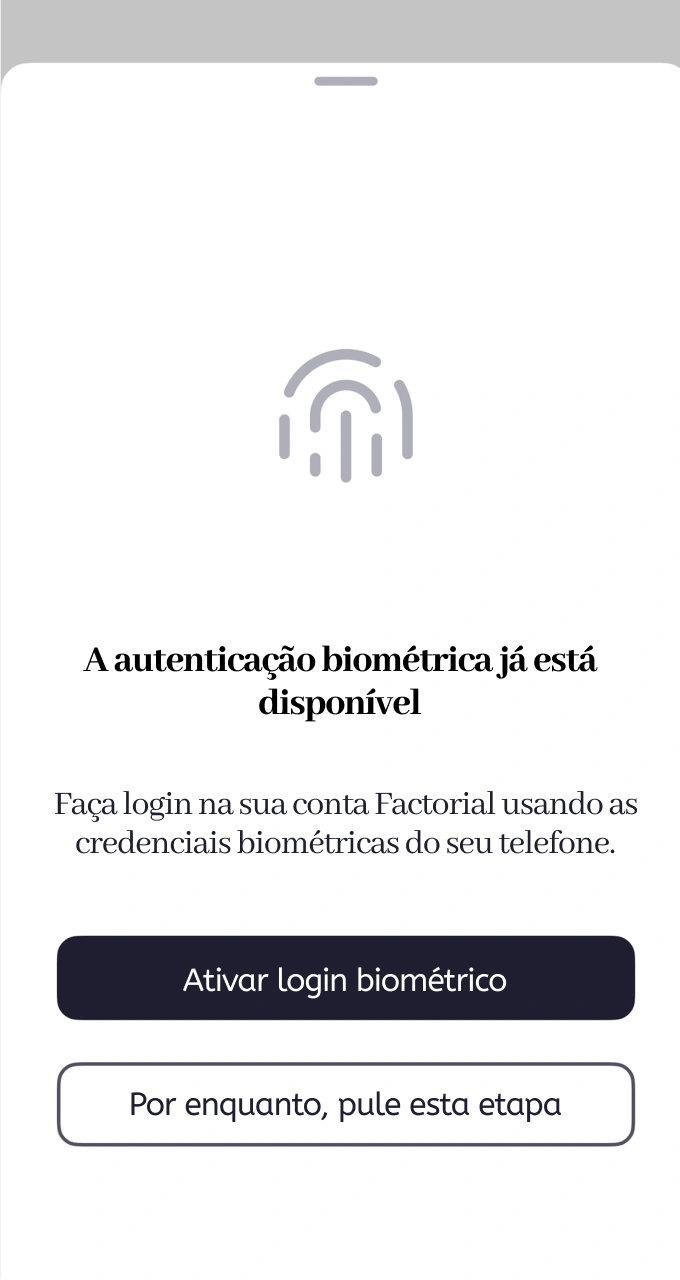
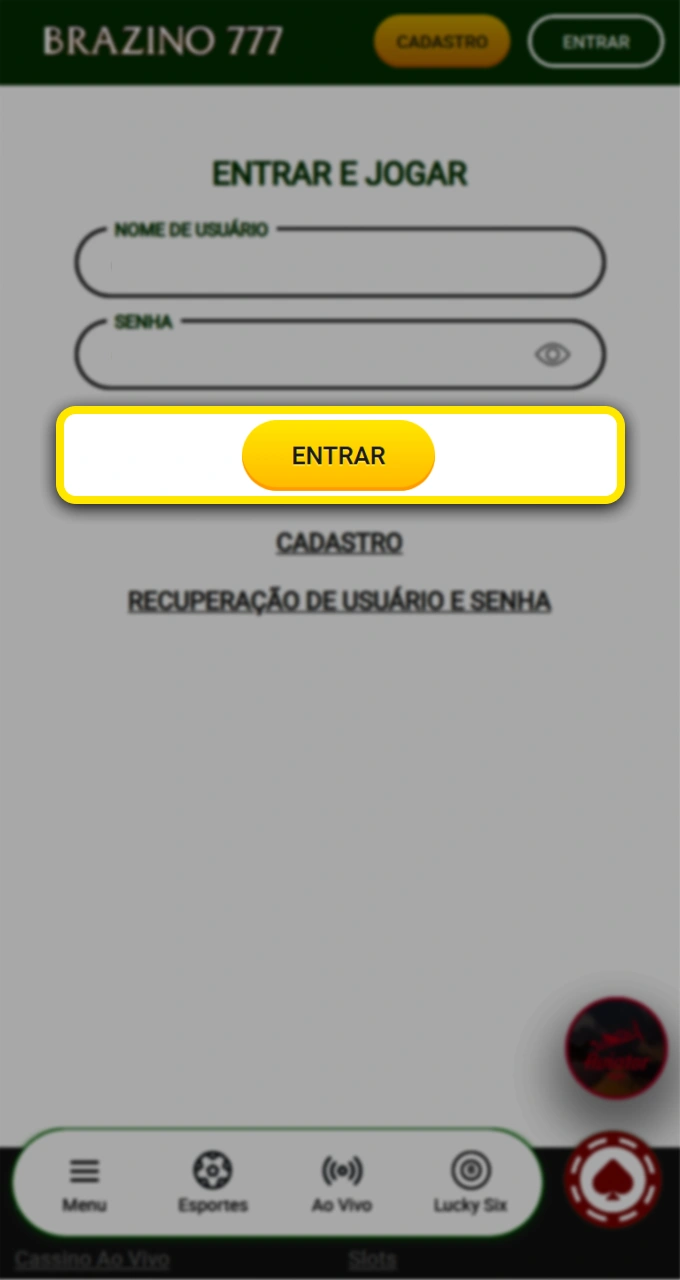
Some users may encounter difficulties when trying to access their accounts, but most problems have simple solutions. Check out the most common situations and how to resolve them:
| Problem | Solution |
|---|---|
| Incorrect or forgotten password | Click on “Forgot my password” on the login screen, enter your registered email address, and follow the instructions sent to reset your access |
| Unrecognized email address | Verify that you are using the same email address as registered, check for typos, and confirm that the account was activated via email |
| Account temporarily blocked | Please wait 15 minutes after several incorrect attempts, or contact support via live chat for faster unlocking |
| Connection or loading problems | Clear your browser cache, try using a different browser or device, and check your internet connection |
| Two-step authentication is not working | Confirm that the code sent via SMS or email is still valid, request that the code be resent, or use an alternative verification method |
If you have forgotten your access password, the system allows you to quickly reset it using your registered email. The process is secure, and you will receive a temporary link that is valid for a limited time.
Step 1
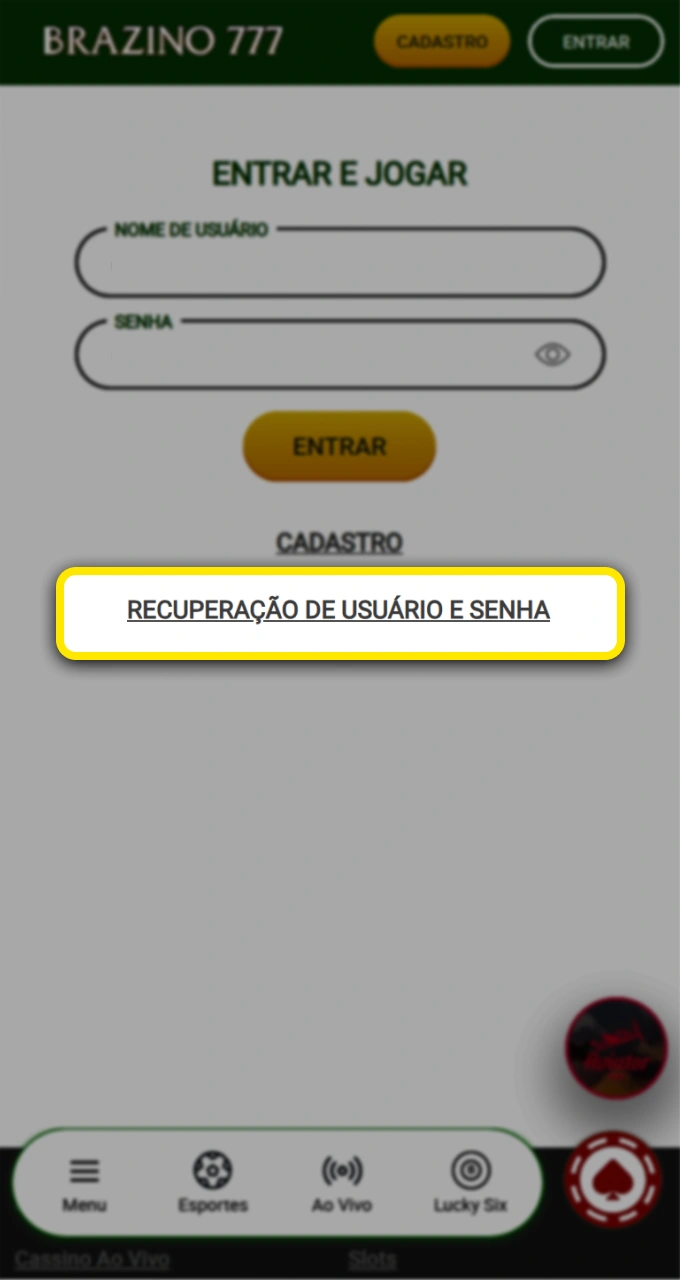
Step 2
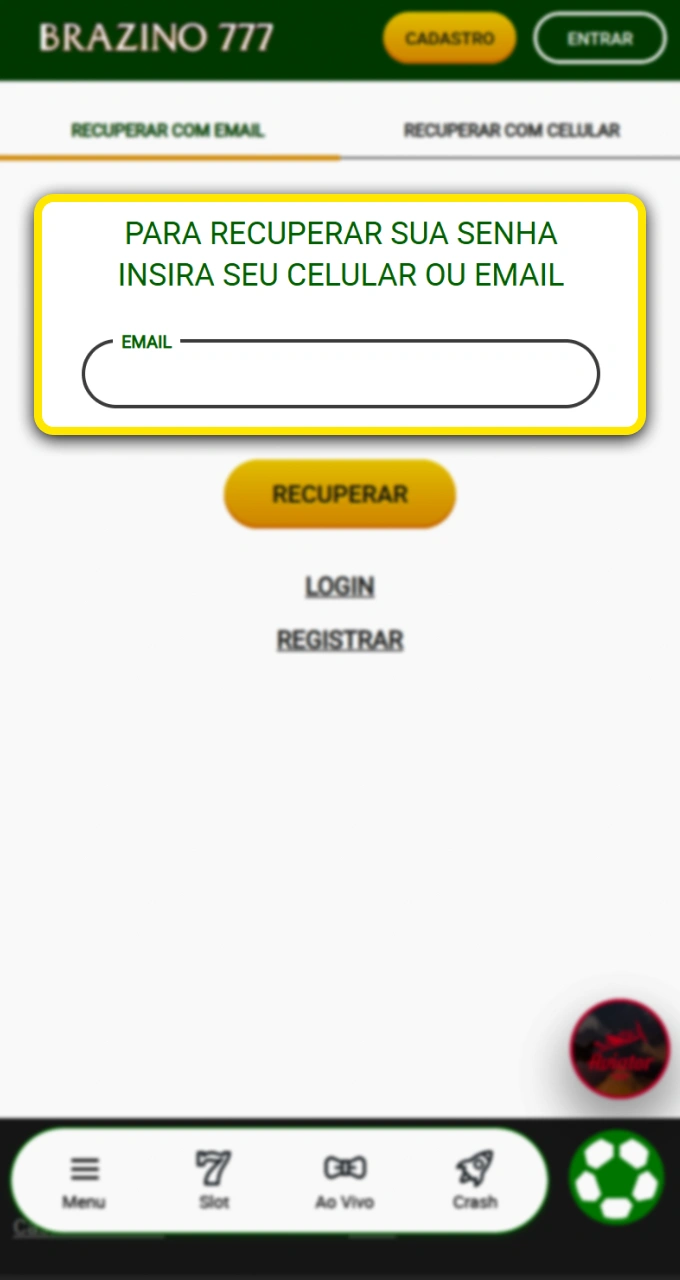
Step 3
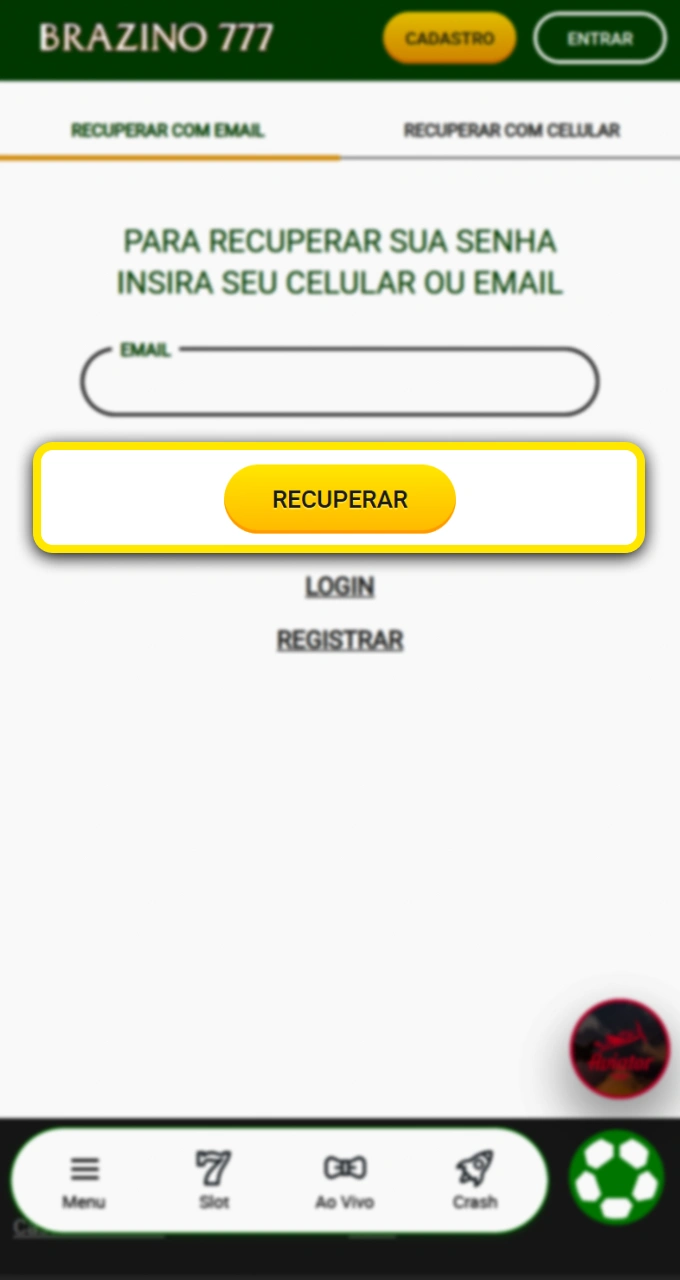
Step 4
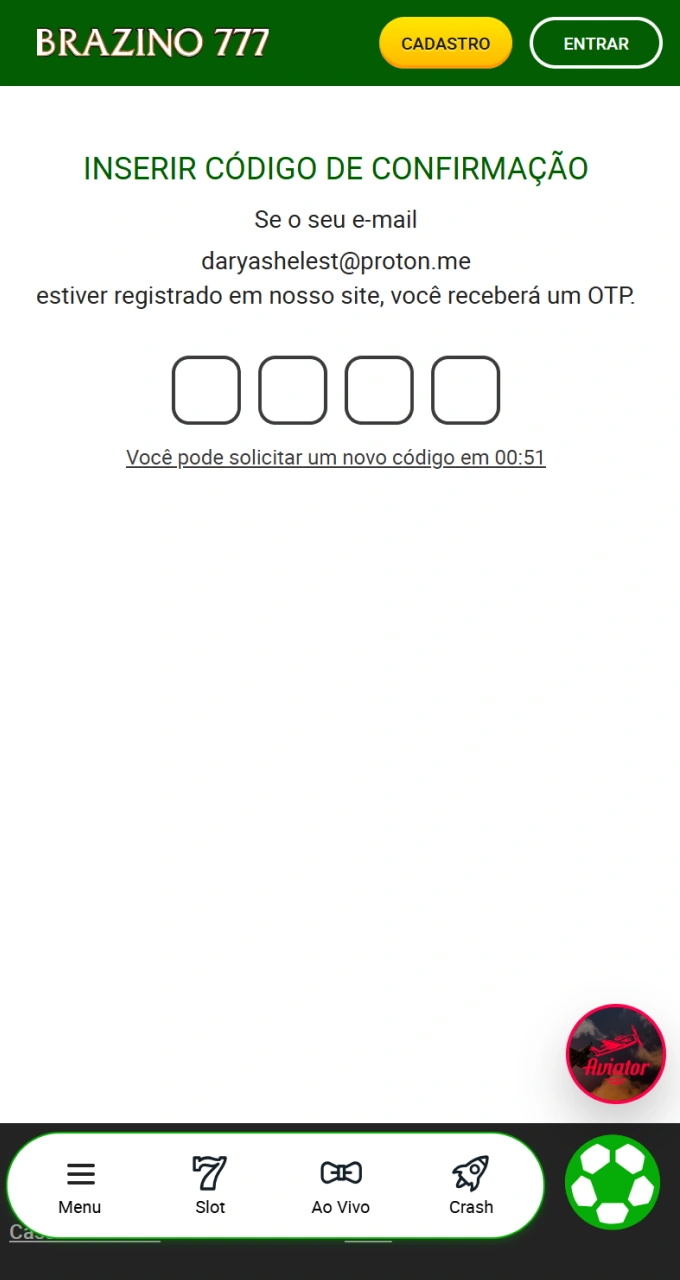
Step 5
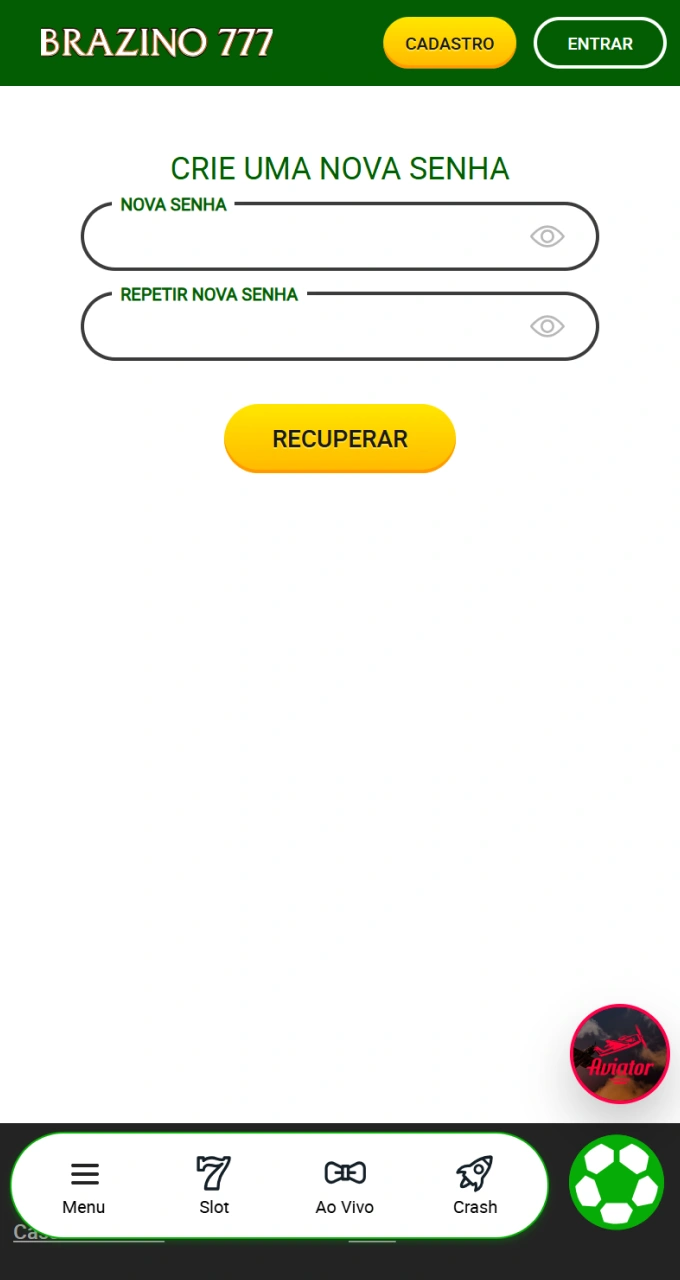
Yes, if you connected your Facebook or Google account during registration, you can use those credentials to quickly log in without entering your email and password.
The login process takes less than 10 seconds when you enter your credentials correctly. In the app with biometrics enabled, access is instant.
No. Identity verification (KYC) is only done once during registration. After that, you can access your account normally using only your email and password.
You can check the “Remember me” option to keep your login active on the device. For security reasons, we recommend using this feature only on personal devices.
Clear your browser’s cache and cookies, try accessing the site using incognito mode, or switch to a different browser. If the problem persists, contact technical support via chat.
Updated:

