
Step 1
Access Your Account on the Official Website
Log in to the platform using your credentials. Make sure you are logged into your account before proceeding to the payments area.
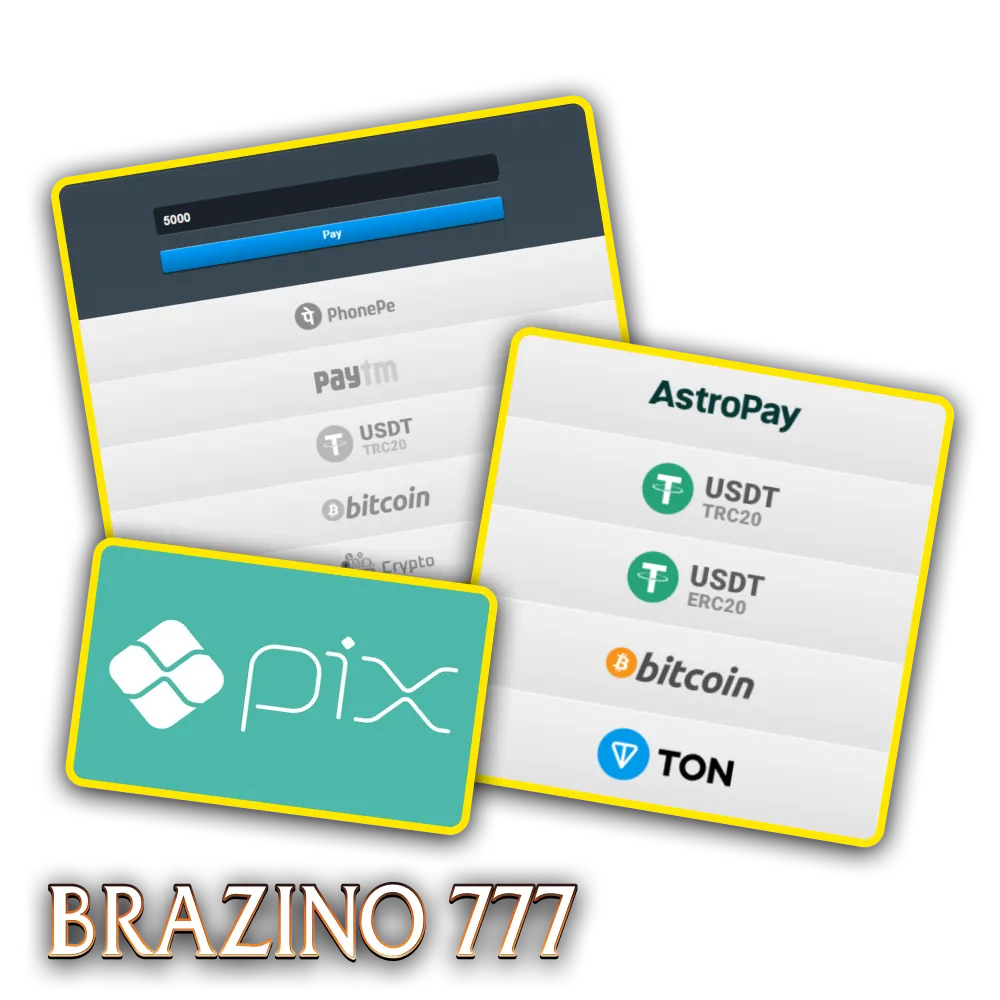
You can add funds to your account using PIX, AstroPay, Pay4Fun, MuchBetter, ecoPayz, TED, Boleto, Bitcoin, Ethereum, Litecoin, Tether, Bitcoin Cash, Dogecoin, and USDT. The minimum amount to start is R$20, while the maximum allowed varies depending on the chosen method. Options like PIX and cryptocurrencies process transactions in minutes, guaranteeing quick access to your balance. When you make your first deposit, you activate the welcome bonus, which offers up to 300 free spins to use on selected games.
To add funds, you need an active account and access to one of the accepted payment methods. The process takes a few minutes and can be completed either on the website or in the Brazino777 app.
Step 1
Log in to the platform using your credentials. Make sure you are logged into your account before proceeding to the payments area.
Step 2
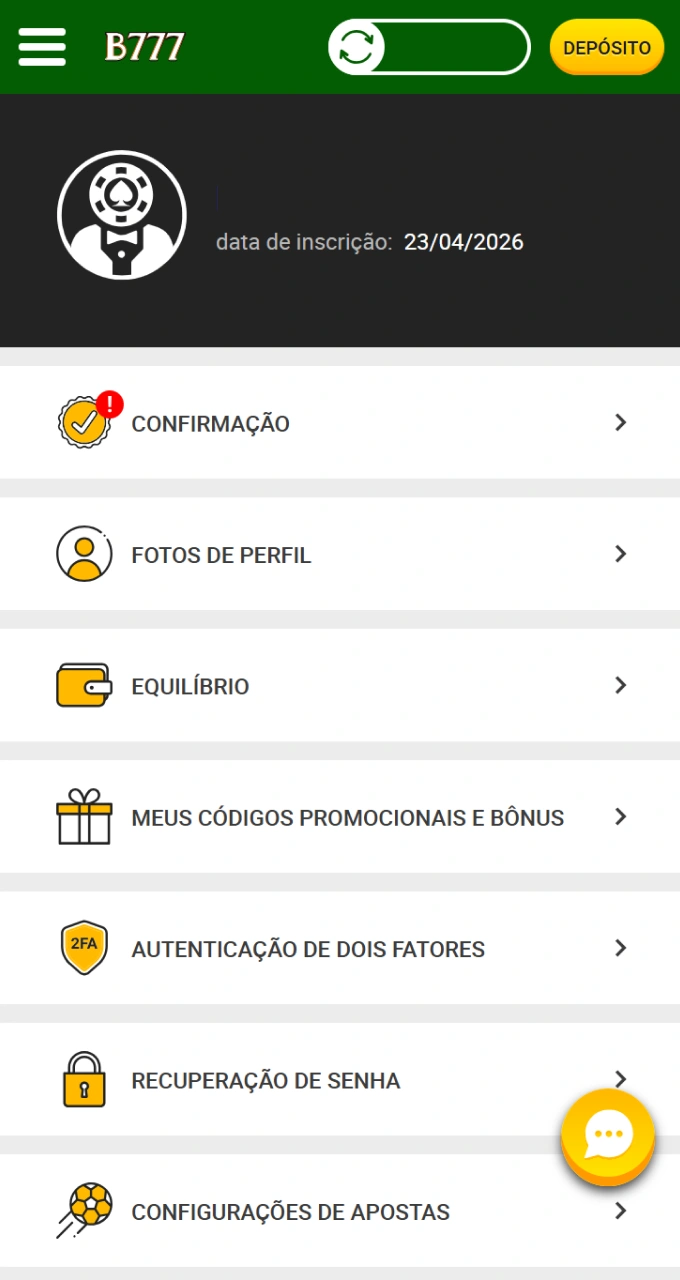
Click on your profile icon or in the main menu and select the “Deposit” option. You will be redirected to the page where all available methods are displayed.
Step 3
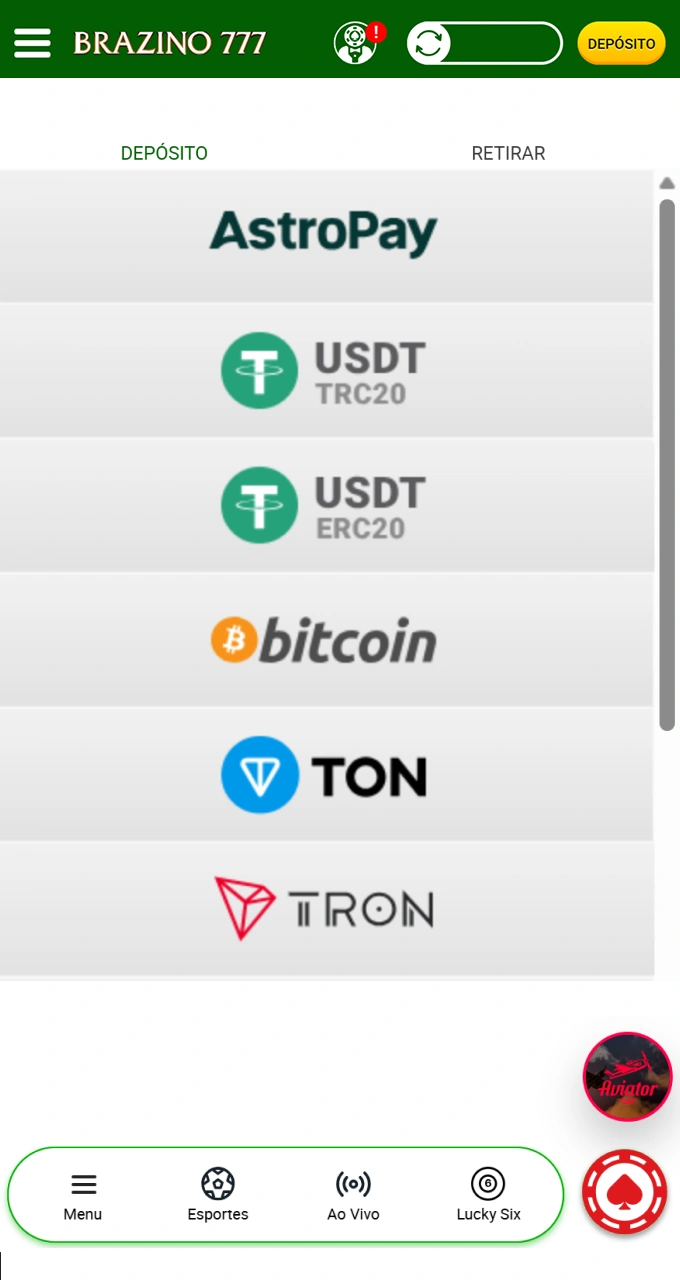
Choose between PIX, digital wallets, bank transfer, or cryptocurrencies. Each option shows minimum and maximum limits and estimated processing time.
Step 4
Enter the amount you wish to add, respecting the established limits. Review the information before confirming the request.
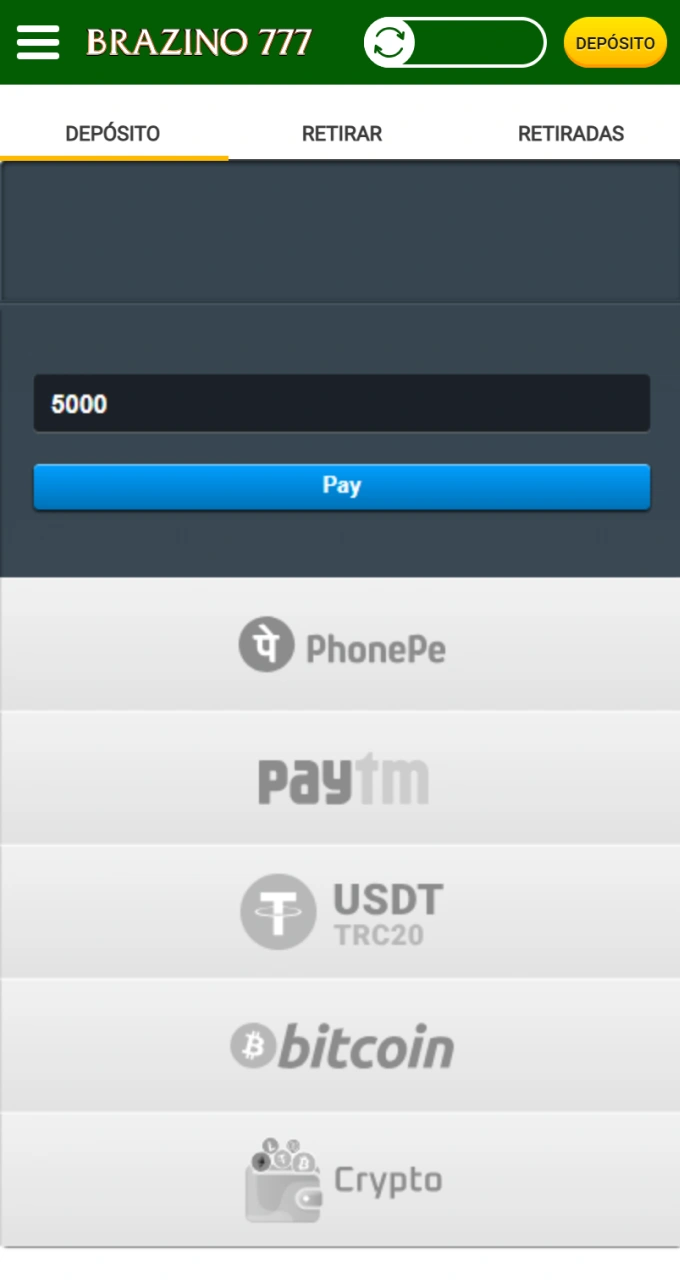
Step 5
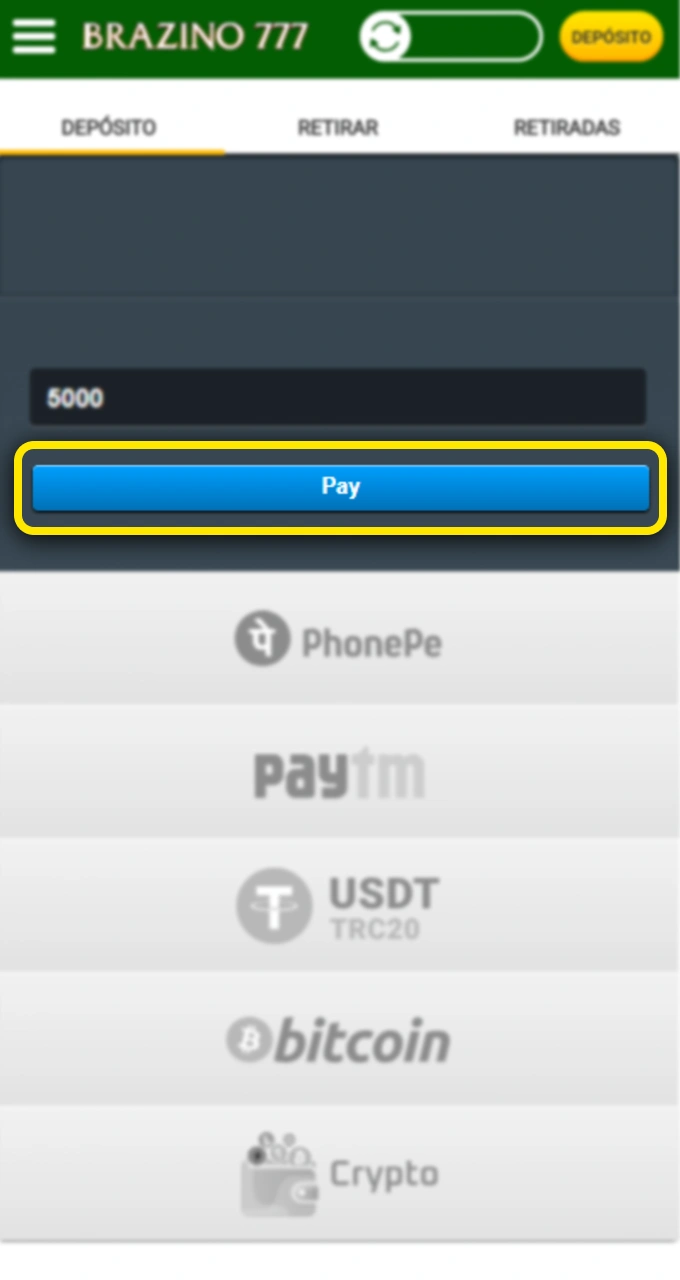
You will be redirected to the secure environment of your chosen payment provider. Complete the transaction by following the on-screen instructions and wait for confirmation of the credit to your balance.
The Brazino777 platform offers multiple payment options adapted to the Brazilian market, with no fees charged on deposits. The minimum accepted amount is R$ 20, while the maximum varies depending on the method, with most transactions being credited instantly or within 24 hours.
| Payment Method | Minimum Deposit | Maximum Deposit | Processing Time | Fees |
|---|---|---|---|---|
| PIX | R$ 20 | R$ 50.000 | Instant | Duty free |
| AstroPay | R$ 20 | R$ 30.000 | Instant | Duty free |
| Pay4Fun | R$ 25 | R$ 25.000 | Up to 15 minutes | Duty free |
| MuchBetter | R$ 20 | R$ 20.000 | Instant | Duty free |
| ecoPayz | R$ 20 | R$ 40.000 | Up to 30 minutes | Duty free |
| TED | R$ 50 | R$ 100.000 | 1-2 business days | Duty free |
| Boleto | R$ 30 | R$ 10.000 | 1-3 business days | Duty free |
| Bitcoin | R$ 50 | R$ 200.000 | Up to 1 hour | Duty free |
| Ethereum | R$ 50 | R$ 150.000 | Up to 30 minutes | Duty free |
| Tether (USDT) | R$ 50 | R$ 180.000 | Up to 20 minutes | Duty free |
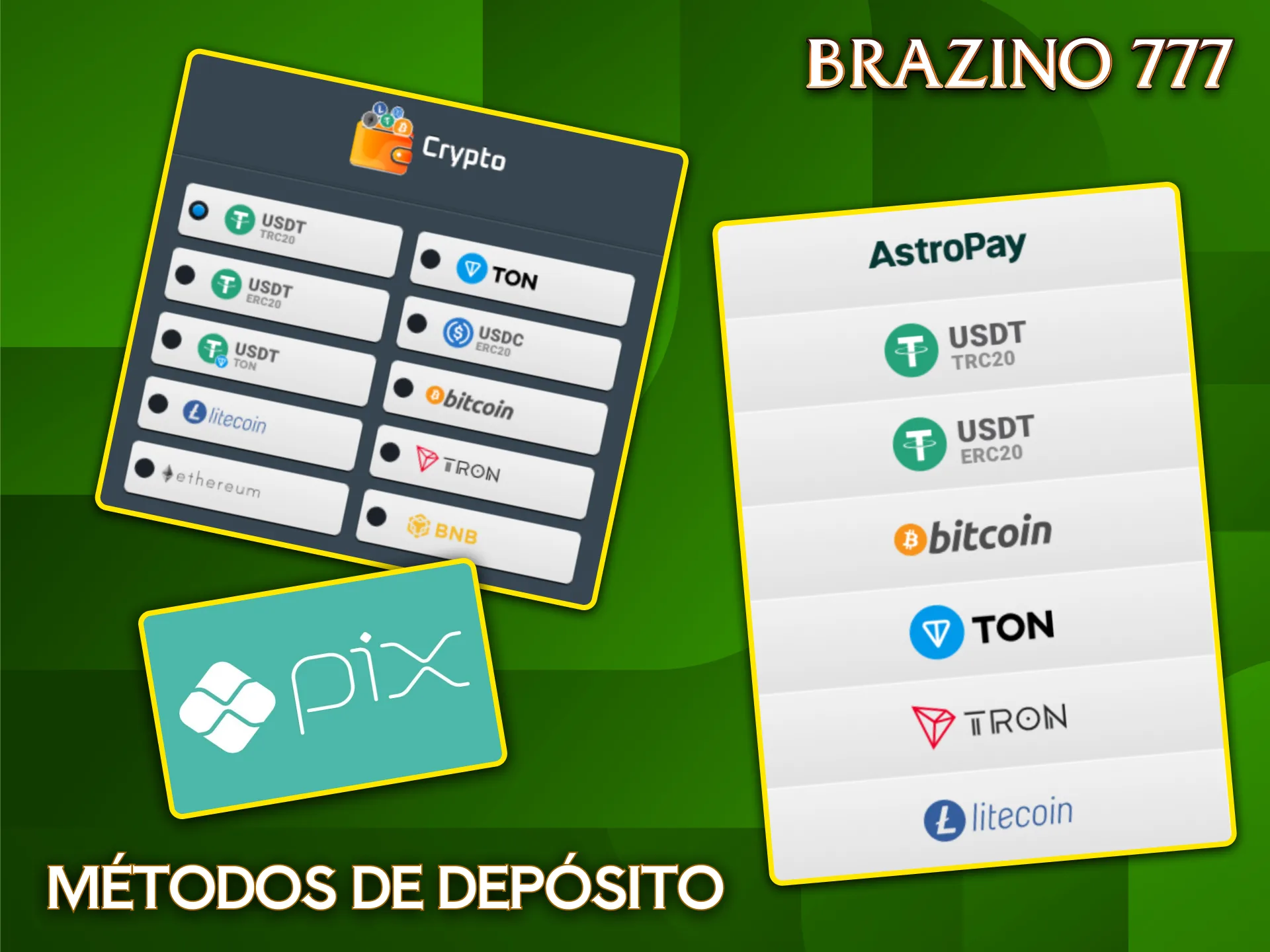
Brazilian users prefer methods that combine speed, security, and ease of use. The most popular options offer instant processing and direct integration with local banks and digital wallets.

When you make your first transaction, you activate a promotion offering up to 300 free spins to use on selected slots. The bonus applies exclusively to casino games and requires a minimum deposit of R$ 50 to activate.
The free spins are credited automatically after payment confirmation and can be used on specific titles listed in the promotions section. You have 7 days to use the spins, and any winnings obtained are subject to wagering requirements of 35x the prize amount. Only bets on slots contribute 100% towards fulfilling the requirements, while table games and sports betting are not eligible. The maximum amount that can be converted into real balance after fulfilling the requirements is R$ 2,000, and any excess will be automatically removed from your balance.
Some users may encounter difficulties during the process of adding funds, but most situations have quick solutions available.
Our support team is available to help with any difficulties related to deposits or other account issues.
Yes, you can switch between different options as you prefer. The system allows multiple active methods, but each transaction must be completed individually with only one option at a time.
Methods like PIX and digital wallets credit funds instantly, while bank transfers and boleto payments can take 1 to 3 business days. Cryptocurrencies depend on blockchain confirmation, generally between 15 minutes and 1 hour.
Deposits can be made without initial verification, but the KYC process will be required before the first withdrawal. Keep your identification documents and proof of address up to date to avoid future delays.
Limits vary depending on the chosen method, but there is no overall daily restriction imposed by the platform. You can make multiple transactions on the same day, respecting the individual limits for each option.
The system automatically converts values to Brazilian reais using the exchange rate in effect at the time of the transaction. The conversion may include a slight difference due to market fluctuations.
Updated:

